
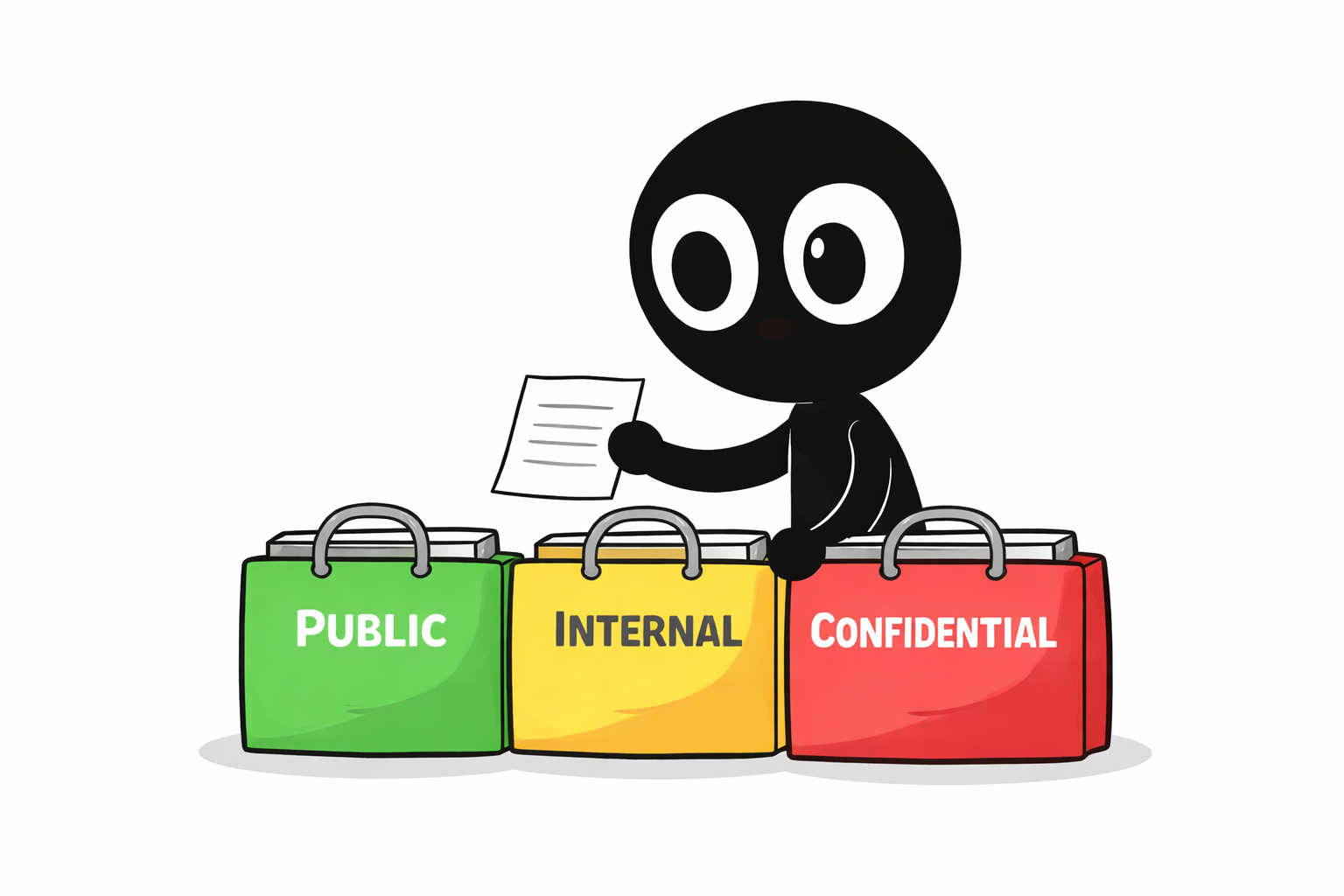
What Is Data Classification?
Data classification is the process of organizing your organization's information into categories based on its sensitivity, value, and the consequences of unauthorized access or disclosure. Each category carries a defined set of handling rules — who can access the data, how it must be stored and transmitted, and how it should be disposed of when no longer needed.
Without classification, every piece of information gets treated the same way — which usually means either everything is locked down too tightly (slowing down legitimate work) or nothing is protected well enough (exposing your most sensitive data to unnecessary risk). Classification lets you match the level of protection to the actual level of risk.
Why Data Classification Matters
For small businesses, data classification delivers concrete benefits that go well beyond regulatory checkboxes:
- Focused security spending. Not all data needs the same controls. Classification tells you where to invest — encryption, access controls, monitoring — and where standard precautions are sufficient.
- Regulatory and legal compliance. Many regulations (HIPAA, PCI DSS, state privacy laws) implicitly require you to identify and protect specific categories of information. A classification framework makes that visible and auditable.
- Reduced breach impact. When a data exfiltration incident occurs, classification determines what was exposed and what notification obligations apply. Clear categories shrink investigation time and help you respond faster.
- Clearer staff expectations. Employees who understand classification levels make better day-to-day decisions about sharing, storing, and disposing of information — without needing to escalate every question.
- Support for access control. Least privilege is much easier to implement when you know which data is sensitive enough to restrict in the first place.
The Four Classification Levels
Most organizations use four levels. The names vary slightly by framework, but the underlying logic is consistent.
RESTRICTED
Definition: Information requiring the strictest protection due to legal, regulatory, or contractual obligations, or because unauthorized disclosure would cause severe damage to individuals, partners, or the organization itself.
Common examples:
- Social Security Numbers and Tax ID Numbers
- Payment card information (credit/debit card numbers, CVV codes) — PCI scope
- Protected Health Information (PHI) — HIPAA scope
- Bank account and financial account numbers
- Authentication credentials (passwords, encryption keys)
- Legal documents under attorney-client privilege
- System security plans and vulnerability assessments
- Employee salary information and performance reviews
Think of RESTRICTED data as information where a breach triggers a legal or regulatory response — notification obligations, fines, or liability. It deserves your strongest controls.
CONFIDENTIAL
Definition: Sensitive business or personal information with limited access requirements. Unauthorized disclosure could cause significant negative impact to the organization, individuals, or partners — even if it does not rise to a regulatory reporting threshold.
Common examples:
- Internal financial reports and budgets
- Strategic plans and contract negotiations
- Employee personnel files (excluding RESTRICTED elements)
- Proprietary business processes and intellectual property
- Customer and client lists with contact information
- Purchasing and vendor information
- Physical security plans and access codes
- Non-public meeting minutes and internal communications
CONFIDENTIAL data often lives alongside RESTRICTED data in the same systems. The key distinction is severity of impact: a leaked budget or client list may not trigger legal notification requirements, but it can still damage relationships and competitive position.
INTERNAL
Definition: Information intended for internal use but not particularly sensitive. Unauthorized disclosure might cause minor organizational impact or embarrassment.
Common examples:
- Internal policies and procedures
- Training materials
- Organizational charts and internal phone directories
- Non-sensitive internal communications
- Project schedules (without confidential details)
- Standard operating procedures
- Basic equipment inventories
INTERNAL is the level most day-to-day business information lives at. Standard access controls — user accounts, password policies — are generally sufficient.
PUBLIC
Definition: Information explicitly approved for public distribution, or already publicly available. No restrictions on access or distribution.
Common examples:
- Marketing materials and press releases
- Public website content
- Public financial statements and annual reports
- Job postings
- Published research papers
- Contact information published for public use
Note that PUBLIC does not mean unprotected — public-facing systems still need standard security controls. It means there are no restrictions on who can see or share the content itself.
Protection Requirements by Level
Each classification level maps to a specific set of controls. Here is a practical summary:
RESTRICTED — Strongest controls
- Storage: Encrypted at rest using approved strong encryption; stored in secure, monitored locations; full-disk encryption required on devices that hold it.
- Access: Limited to specifically named individuals; multi-factor authentication (MFA) required; quarterly access reviews.
- Transmission: Encrypted in transit (SFTP, HTTPS, approved encryption tools); cannot be sent via standard email; physical delivery requires tracked shipping and recipient signature.
- Handling: Must be labeled RESTRICTED; clean desk policy applies; use on personal devices is prohibited.
- Disposal: Electronic media securely wiped using approved methods or physically destroyed; paper documents cross-cut shredded or incinerated; disposal documented and witnessed.
CONFIDENTIAL — Strong controls with practical flexibility
- Storage: Encrypted at rest when technically feasible; access limited to employees with business need-to-know.
- Access: Strong password authentication; semi-annual access reviews.
- Transmission: Encrypted when possible; encryption required for email to external recipients; file sharing limited to approved platforms.
- Handling: CONFIDENTIAL label recommended; cannot be displayed in public areas; use on personal devices requires documented approval.
- Disposal: Electronic media securely wiped; paper documents shredded.
INTERNAL — Standard controls
- Storage & Access: Standard username/password controls; accessible to employees and authorized contractors.
- Transmission: Standard internal email and approved collaboration tools permitted.
- Handling: General good security practices; may be shown in internal office areas; use on personal devices permitted with standard security controls.
- Disposal: Standard deletion for electronic files; paper placed in designated recycling bins (not general waste when content is sensitive).
PUBLIC — Minimal restrictions
- No special access or transmission restrictions.
- Public-facing systems still implement standard security controls.
- Standard disposal methods acceptable.
Classification Procedures
How to determine the right level
When classifying a new data set or document, ask four questions:
- Legal and regulatory exposure: Does this data fall under HIPAA, PCI DSS, a state privacy law, or a contractual requirement? If yes, it is RESTRICTED.
- Business impact if disclosed: Would unauthorized disclosure cause significant competitive or reputational damage? If yes, it is at least CONFIDENTIAL.
- Intended audience: Is this meant only for employees and contractors? INTERNAL is likely appropriate.
- Already public? If it's already on your website or in a public filing, it's PUBLIC.
When in doubt, classify higher. It is easier to relax controls later than to recover from an unnecessary exposure.
Reclassification
Data classification is not permanent. Review classifications:
- Annually, as part of your regular security review cycle.
- When business needs change (a product launches publicly, a contract expires).
- When legal or regulatory requirements change.
Reclassification decisions must be documented and communicated to affected users.
Labeling
Electronic files containing RESTRICTED or CONFIDENTIAL data should include the classification label in:
- Document headers and footers
- File names when practical (e.g.,
Q2-Budget-CONFIDENTIAL.xlsx) - System metadata when the platform supports it
Physical documents should carry a printed classification marking. Labeling is low-cost and significantly reduces accidental mishandling.
Who Is Responsible for What
Data classification only works when roles are clearly defined. In most small businesses, a lean structure is sufficient:
- Data Owners (typically department heads or program leads): Accurately classify data under their control, ensure controls are implemented, review and update classifications as needed, and authorize access to RESTRICTED and CONFIDENTIAL data.
- IT / MSP: Implement technical controls — encryption, access management, secure storage and transmission tools, and monitored disposal processes.
- All Users: Handle data according to its classification level, report potential misclassifications or security incidents, and verify classification before sharing or transmitting.
- Management: Enforce compliance, provide resources for proper data protection, and support classification initiatives.
For broader guidance on how to assign and manage these roles, see Team Identification for Cybersecurity, BC/DR, and Incident Response.
Handling Exceptions
Sometimes a legitimate business need requires deviating from the standard controls for a classification level — a vendor who needs temporary access to CONFIDENTIAL data, or a workflow that cannot support encryption in a specific step. Exceptions should be:
- Documented with a clear business justification.
- Approved by the data owner and your IT security lead.
- Implemented with compensating controls wherever possible.
- Reviewed quarterly and renewed only if still required.
An undocumented exception is a gap. A documented, approved, time-limited exception with compensating controls is a managed risk.
Where to Start
If your organization does not yet have a formal data classification program, a phased approach keeps the effort manageable:
- Inventory first. List your key data stores — shared drives, cloud storage, email, line-of-business apps, databases. You cannot classify what you have not identified. See Asset Inventory & Classification for guidance on building that inventory.
- Start with RESTRICTED. Identify all data that triggers legal or regulatory obligations. Apply encryption, MFA, and access restrictions to that data first. This is where breach consequences are highest.
- Work outward. Classify CONFIDENTIAL data next, then label the rest as INTERNAL or PUBLIC. Most data in a small organization will land in INTERNAL.
- Document and communicate. Write a one-page data classification policy that defines the four levels, gives examples, and states the basic handling rules. Share it during onboarding and annual security training.
- Build it into processes. New data types should be classified at creation. New vendor contracts should specify how your data is classified. New systems should be evaluated for the classification of data they will hold.
Bottom line: Data classification does not require a large budget or a dedicated team. It requires clarity — about what information you hold, who should have access, and what happens if it is exposed. Even a simple four-level framework, consistently applied, will meaningfully reduce your organization's data exfiltration and insider threat risk — and make every other security control you already have more effective.
Not sure where your biggest gaps are? The free Cybersecurity Checkup gives you a prioritized list of improvements to start with.